

Test Cases
A test case (displayed as “Use Case” in the UI) defines an evaluation scenario for your agent. Each test case includes a prompt, supporting context, and expected outcomes that the LLM judge uses for scoring.
Test case structure
Section titled “Test case structure”| Field | Description |
|---|---|
| Name | Descriptive title for the scenario |
| Initial Prompt | The question or task sent to the agent |
| Context | Supporting data the agent needs (logs, metrics, architecture info) |
| Expected Outcomes | List of what the agent should discover or accomplish |
| Labels | Categorization tags (e.g., category:RCA, difficulty:Medium) |
Creating test cases from the UI
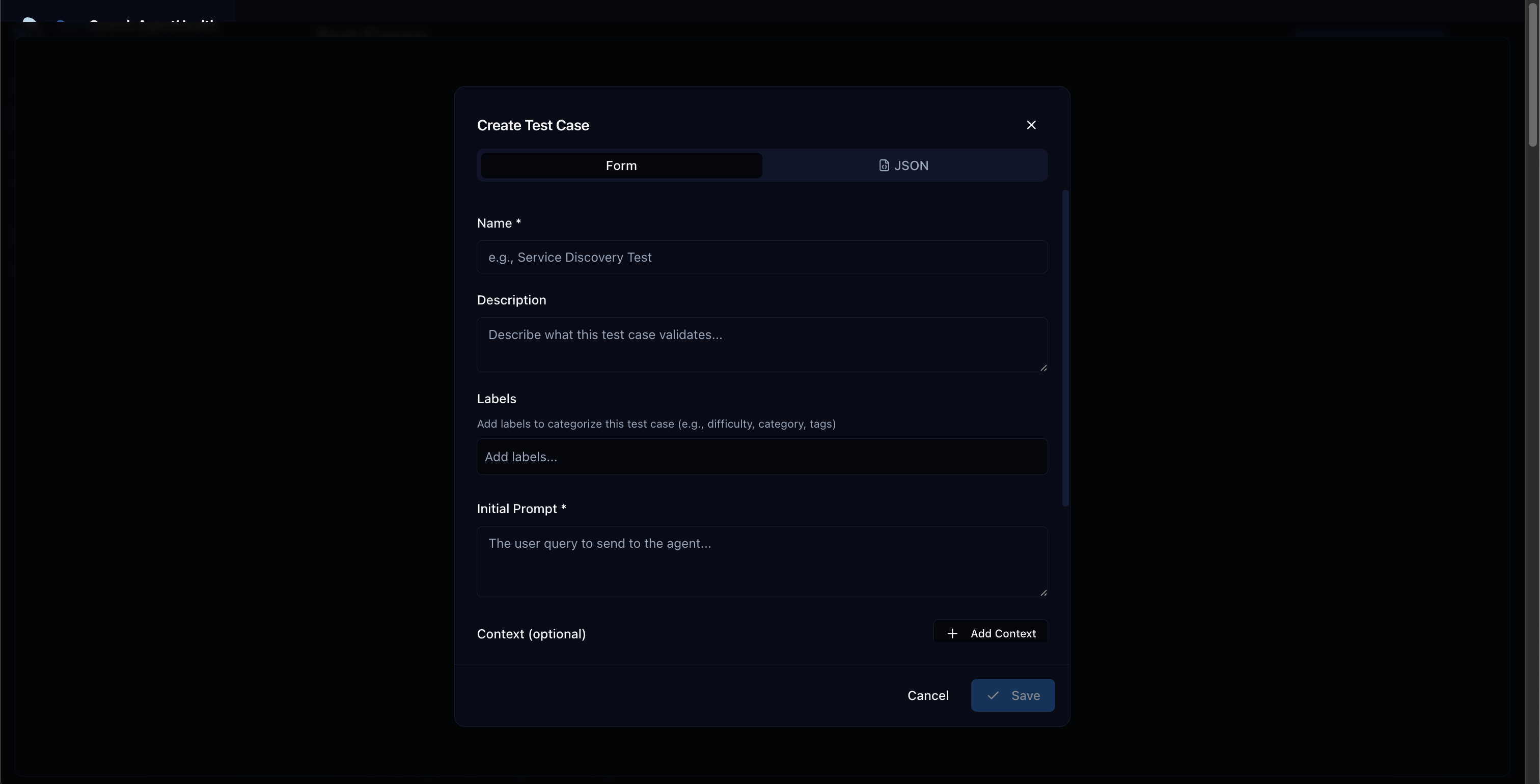
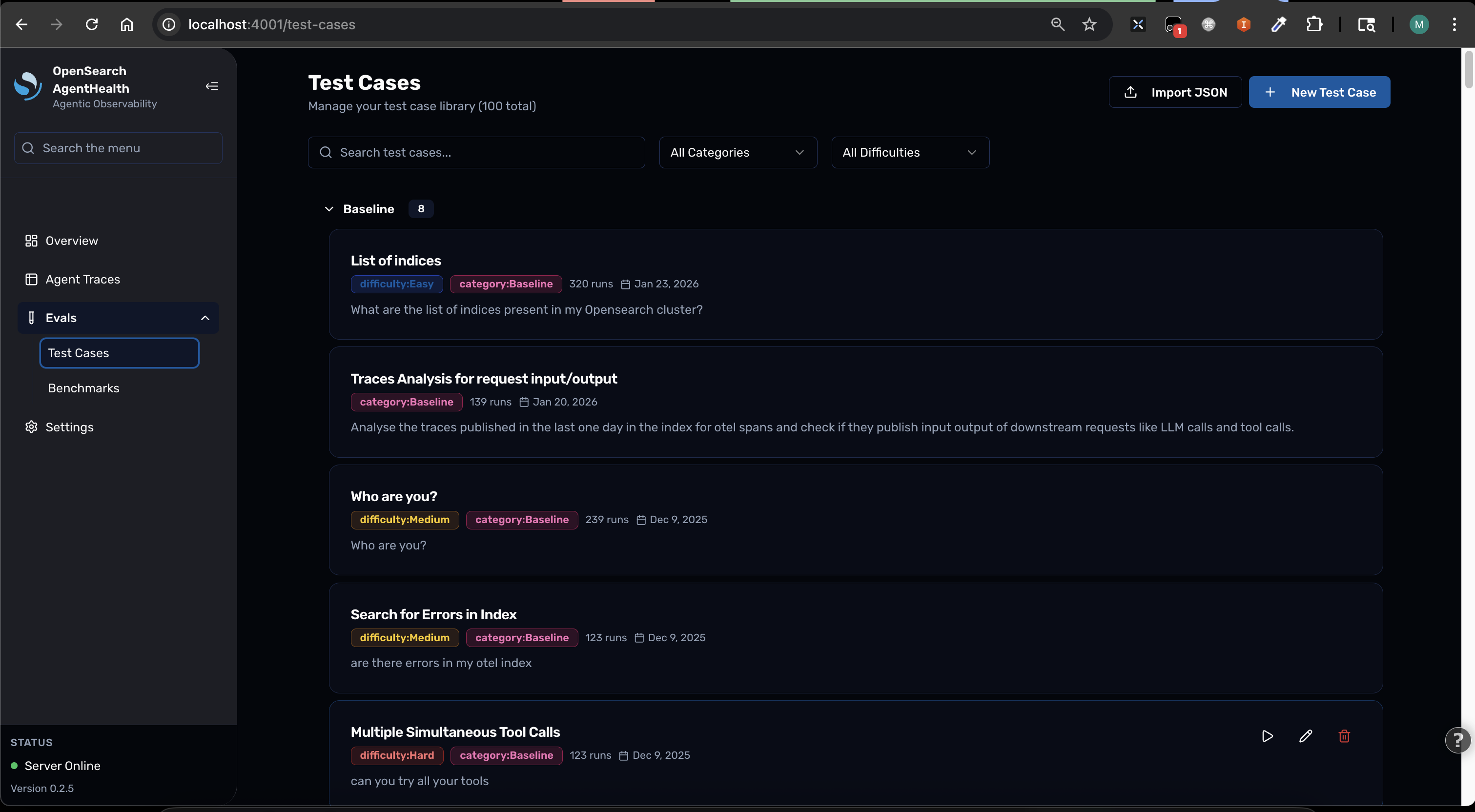
Section titled “Creating test cases from the UI”- Go to Settings > Use Cases
- Click New Use Case
- Fill in the form:
- Name: A descriptive scenario title
- Initial Prompt: The question for your agent
- Context: Supporting data your agent needs
- Expected Outcomes: What the agent should accomplish
- Labels: Tags like
category:MyCategory,difficulty:Medium
- Click Save
Creating test cases from JSON
Section titled “Creating test cases from JSON”Test cases can be defined in a JSON file for import:
[ { "name": "My Test Case", "category": "RCA", "difficulty": "Medium", "initialPrompt": "Investigate the latency spike...", "expectedOutcomes": ["Identifies database as root cause"], "context": [ { "description": "Error logs", "value": "..." } ] }]Import and export
Section titled “Import and export”Import test cases from a file and run a benchmark in a single command:
# Import and benchmarknpx @opensearch-project/agent-health benchmark -f ./test-cases.json -a my-agent
# Export from an existing benchmarknpx @opensearch-project/agent-health export -b "My Benchmark" -o test-cases.json
The export format is compatible with import, so you can round-trip test cases between benchmarks:
# Export from one benchmarknpx @opensearch-project/agent-health export -b my-benchmark -o test-cases.json
# Import into a new benchmark runnpx @opensearch-project/agent-health benchmark -f test-cases.json -a another-agent
Tips for good test cases
Section titled “Tips for good test cases”- Make prompts specific and unambiguous — avoid vague instructions
- Include all necessary context data — the agent shouldn’t need to guess
- Define clear, measurable expected outcomes — the judge needs concrete criteria
- Start with simple cases, add complexity gradually — build confidence before testing edge cases
- Use labels for organization — filter and group test cases by category, difficulty, or domain